
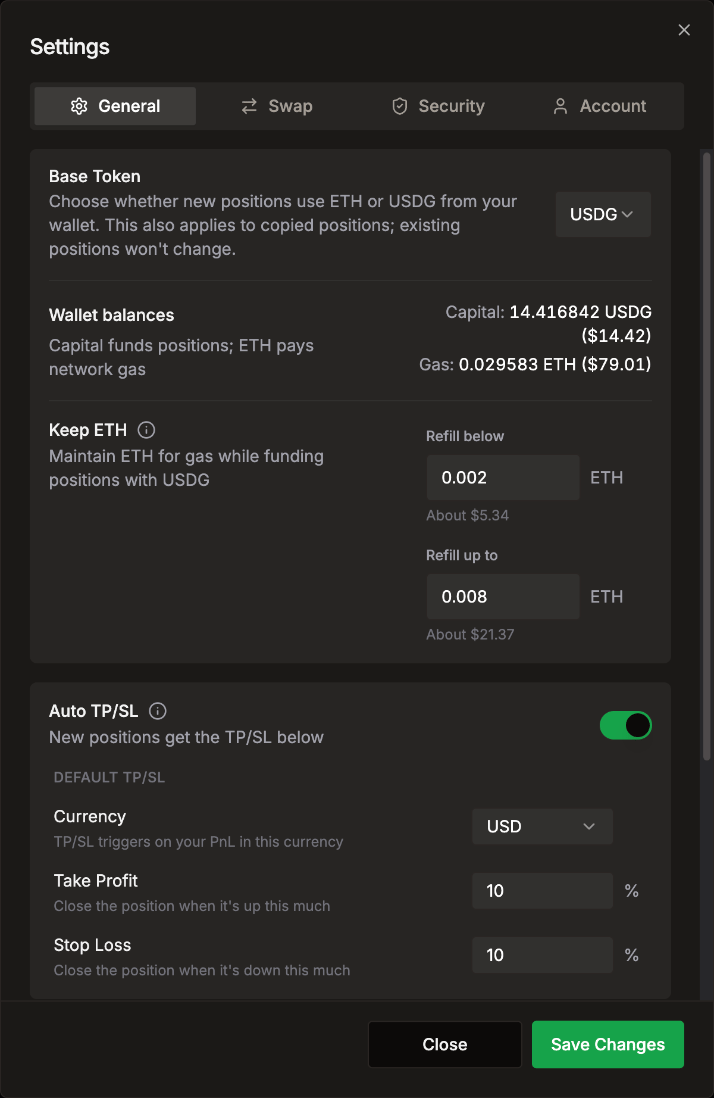
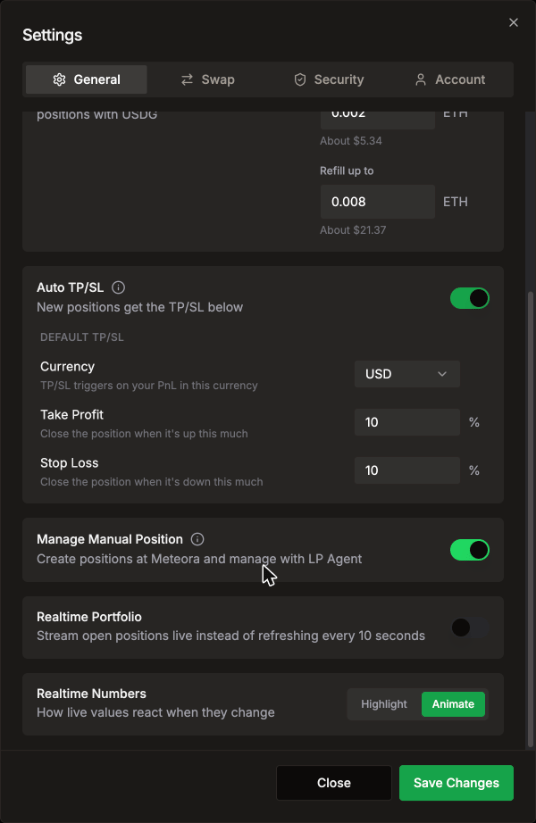
General
Swap
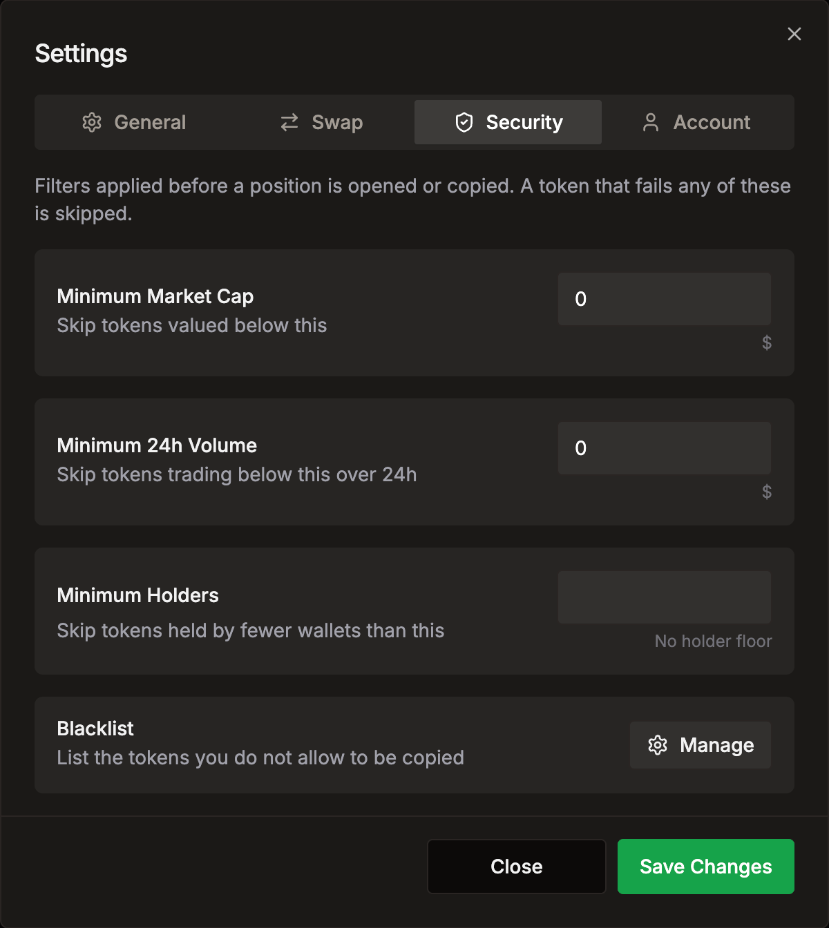
Security
Account
Language
LP Agent comes in English and Simplified Chinese (中文).- The first time you open it, the app follows your browser’s language list: if Chinese comes before English there, it opens in 中文. Otherwise it opens in English.
- To switch, click your address in the header to open the account panel. Near the bottom, next to Language, pick EN or 中文. The app changes right away.
- Your pick is saved in this browser and wins over the browser language from then on.
The switch is in the account panel, so you need to be signed in to change it. Signed out, the app follows your browser’s language.