Views and sorting
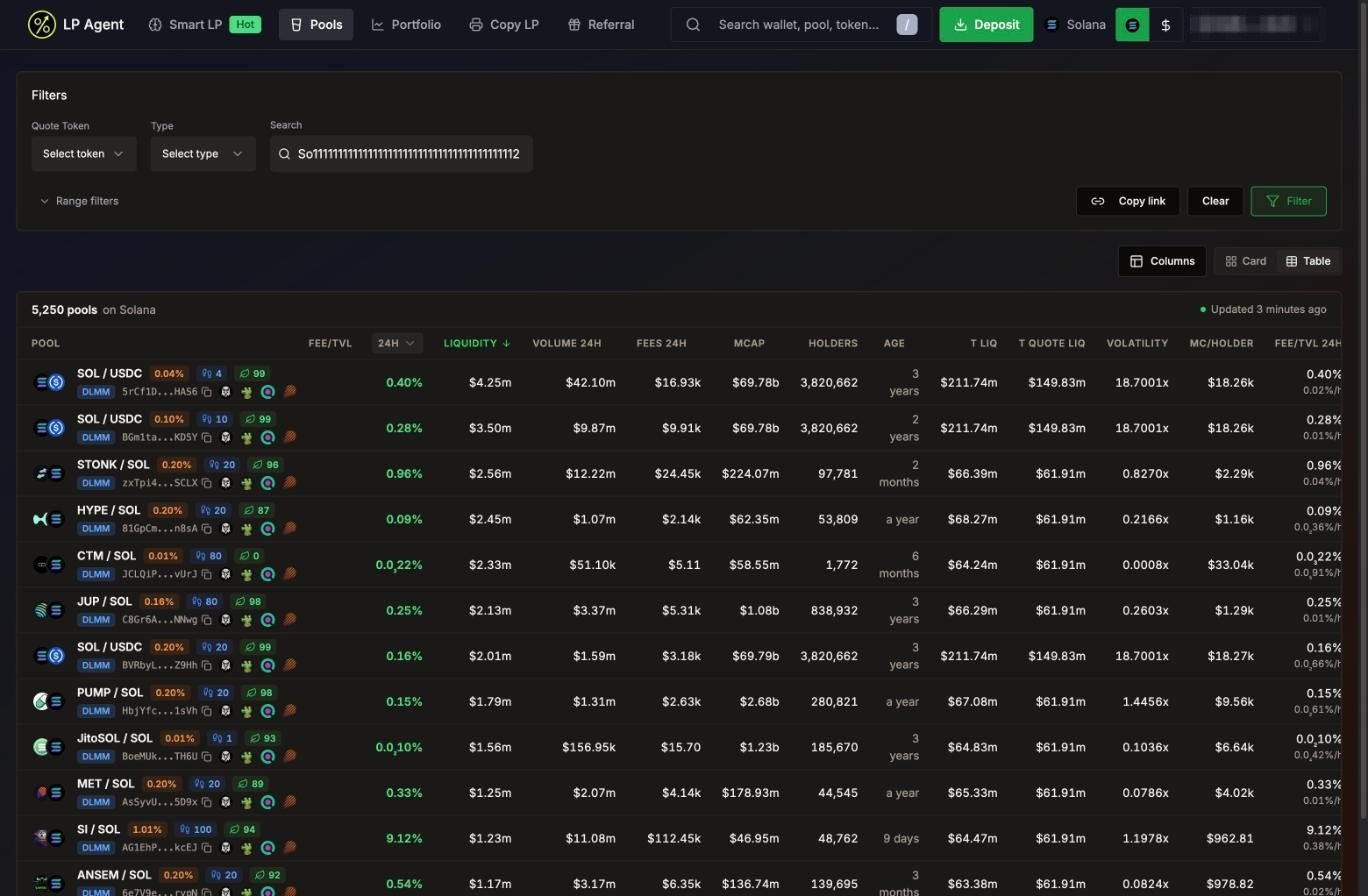
- Table (default) or Card view, top right.
- The top bar shows how many pools match and when the data was last updated.
- Click a column header to sort, click again to flip the order. The default sort is Fee/TVL, highest first.
- Columns adds extra columns, such as total liquidity across the token’s pools, volatility (24h volume / liquidity) and market cap per holder on Solana.
Filters
- Filter applies and saves your filters for this network. Clear resets them.
- Copy link copies a link with your current filters, so you can share a view.
- On Solana, new users start with a minimum liquidity, volume and organic score so the list is not flooded with dust pools.
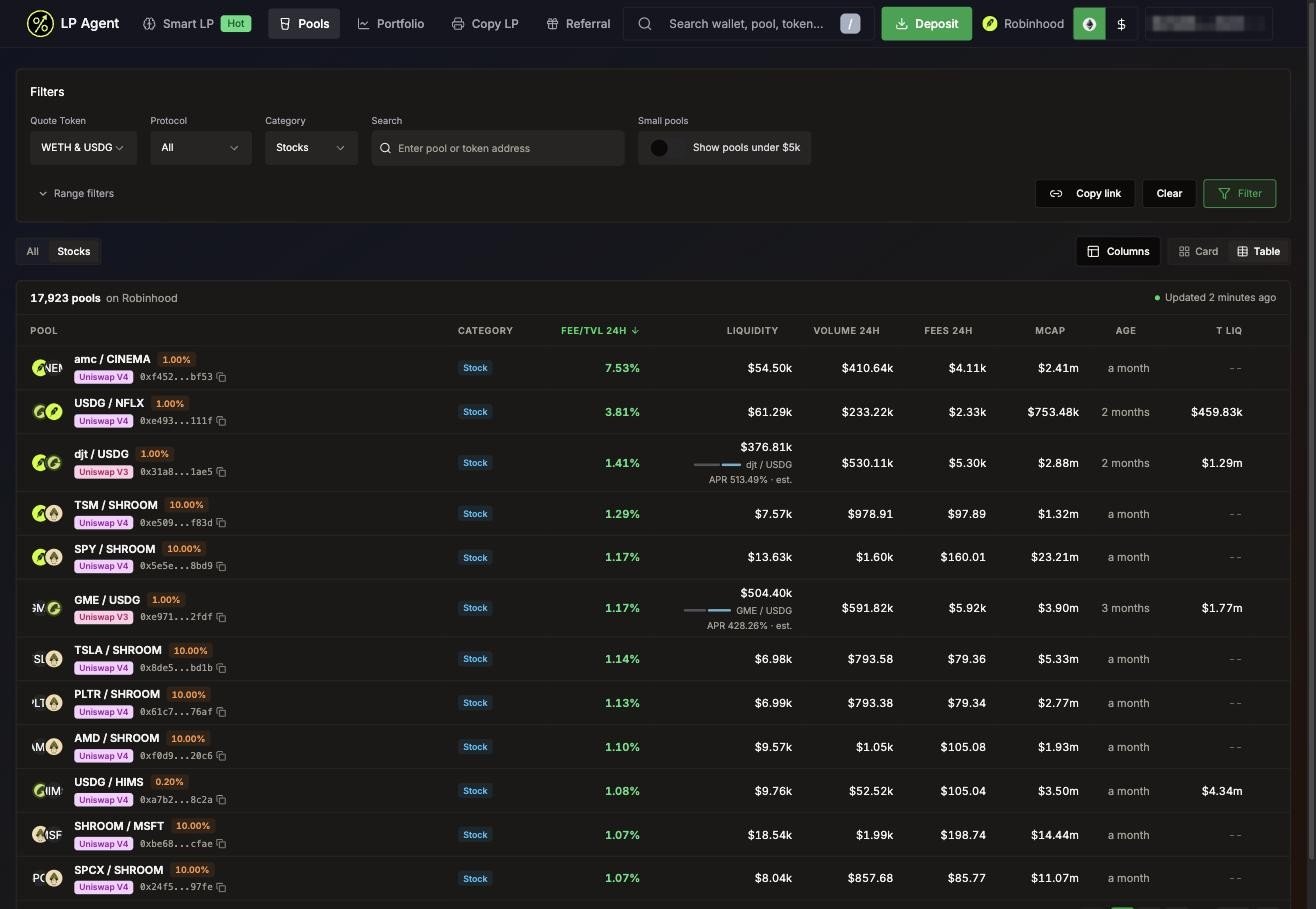
- On Robinhood Chain, pools under 50k or more TVL with almost no volume are also left out of browsing.
Tokenized stocks (Robinhood Chain)
Search anything
The search box in the header (shortcut/) finds tokens, pools and wallets by address:
- Token: its market cap, volume and liquidity, and the top 10 pools with that token, ranked by 24h volume.
- Pool: opens the pool page.
- Wallet: win rate, total PnL, fees and EV, and opens the wallet’s portfolio.
The pool page
Click a pool to open it.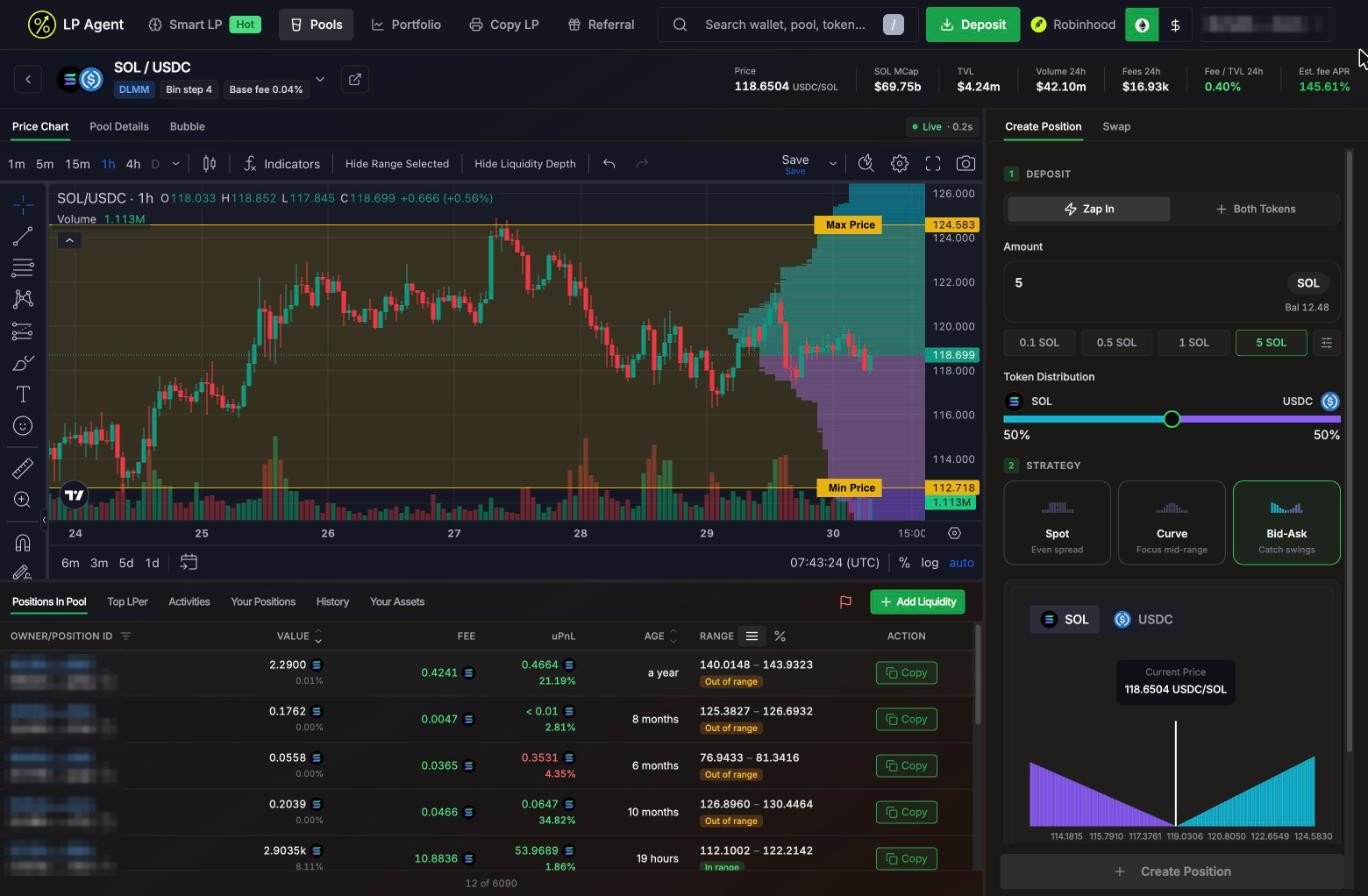
- Price Chart: candles from 1 minute to 1 day. On DLMM pools the liquidity depth is drawn next to the price. Drag the Min Price and Max Price lines to set your range by eye.
- Pool Details: pool address, fees, token amounts and share of TVL. On Solana, fee history and the liquidity distribution per bin.
- Bubble (Solana): a holder bubble map of the main token.
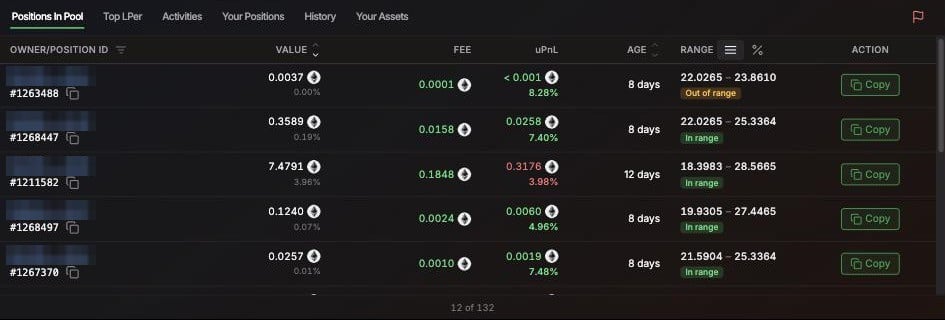
The flag icon lets you report a pool.