> ## Documentation Index
> Fetch the complete documentation index at: https://docs.lpagent.io/llms.txt
> Use this file to discover all available pages before exploring further.
# Auto-Compound
> Maximize your yields with automated compounding
## What is Auto-Compound?
Auto-compound is a powerful feature that automatically reinvests your earned fees and rewards back into your liquidity position, maximizing your potential returns through the power of compound interest.
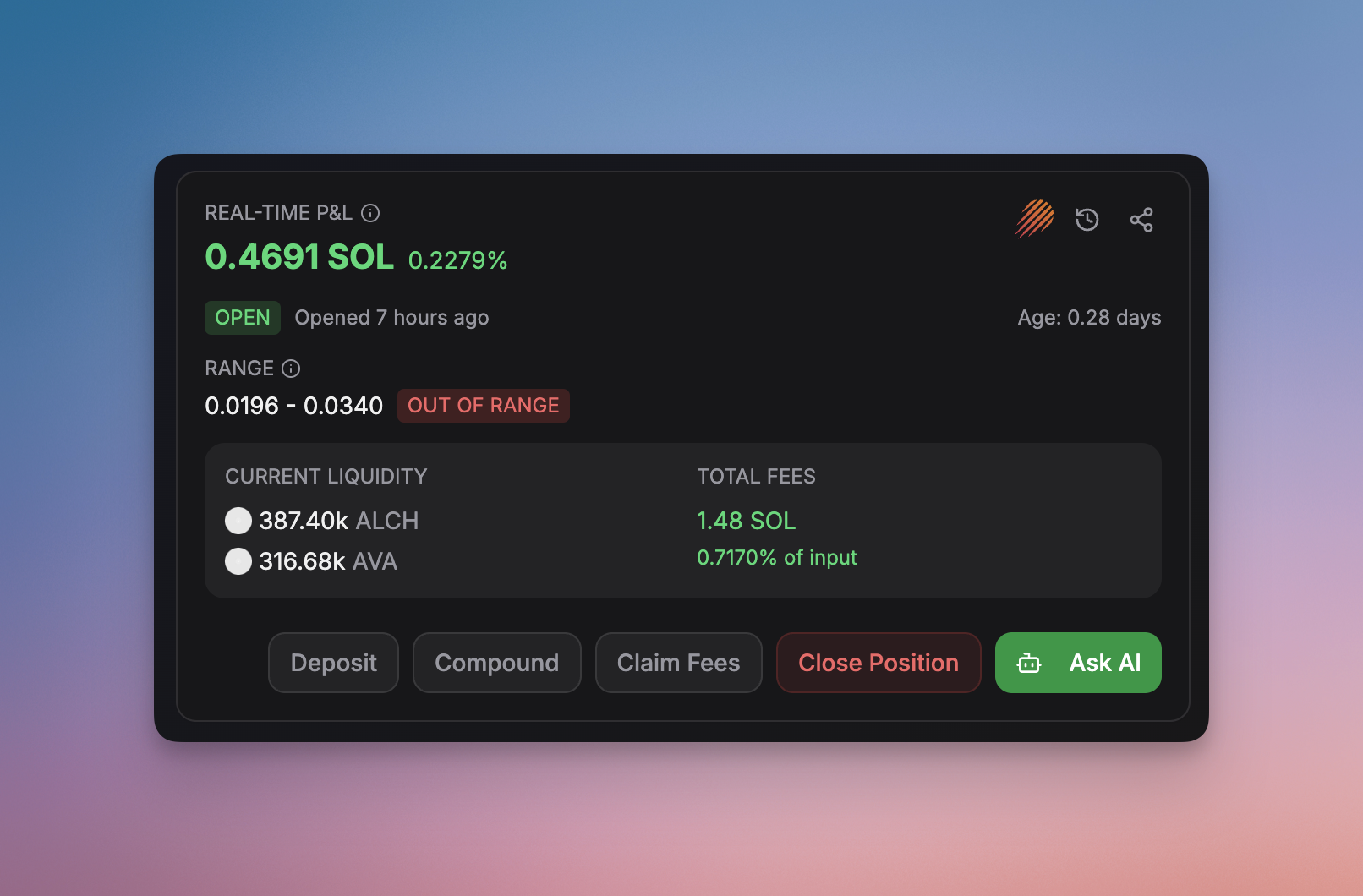 Auto-compound your position
## How It Works
LP Agent monitors and collects trading fees from your position
Automatically claims any available protocol rewards
Reinvests collected fees and rewards at the optimal time
Adjusts position parameters for maximum yield potential
## Key Benefits
### Maximized Returns
* Compound interest effect
* No missed reinvestment opportunities
* Optimal timing for compounding
* Reduced gas costs through batched transactions
### Time Savings
* Automated fee collection
* No manual intervention needed
* 24/7 operation
* Real-time monitoring
### Cost Efficiency
* Optimized transaction timing
* Batched operations
* Gas-aware execution
* Smart reinvestment thresholds
## Configuration Options
Set how often you want your returns to be reinvested
Set minimum amounts for triggering reinvestment
Configure gas price thresholds for transactions
Create custom compounding rules
Auto-compound settings can be adjusted at any time through your dashboard to
match your investment strategy.
{" "}
Auto-compound your position
## How It Works
LP Agent monitors and collects trading fees from your position
Automatically claims any available protocol rewards
Reinvests collected fees and rewards at the optimal time
Adjusts position parameters for maximum yield potential
## Key Benefits
### Maximized Returns
* Compound interest effect
* No missed reinvestment opportunities
* Optimal timing for compounding
* Reduced gas costs through batched transactions
### Time Savings
* Automated fee collection
* No manual intervention needed
* 24/7 operation
* Real-time monitoring
### Cost Efficiency
* Optimized transaction timing
* Batched operations
* Gas-aware execution
* Smart reinvestment thresholds
## Configuration Options
Set how often you want your returns to be reinvested
Set minimum amounts for triggering reinvestment
Configure gas price thresholds for transactions
Create custom compounding rules
Auto-compound settings can be adjusted at any time through your dashboard to
match your investment strategy.
{" "}